> ## Documentation Index
> Fetch the complete documentation index at: https://crewai-fix-file-tools-path-allowlist.mintlify.site/llms.txt
> Use this file to discover all available pages before exploring further.
# البدء السريع
> ابنِ أول وكيل ذكاء اصطناعي مع CrewAI في أقل من 5 دقائق.
## ابنِ أول وكيل CrewAI
لننشئ طاقماً بسيطاً يساعدنا في `البحث` و`إعداد التقارير` عن `أحدث تطورات الذكاء الاصطناعي` لموضوع أو مجال معين.
قبل المتابعة، تأكد من إنهاء تثبيت CrewAI.
إذا لم تكن قد ثبّتها بعد، يمكنك القيام بذلك باتباع [دليل التثبيت](/ar/installation).
اتبع الخطوات أدناه للبدء!
أنشئ مشروع طاقم جديد عبر تشغيل الأمر التالي في الطرفية.
سينشئ هذا مجلداً جديداً باسم `latest-ai-development` مع البنية الأساسية لطاقمك.
```shell Terminal theme={null}
crewai create crew latest-ai-development
```
```shell Terminal theme={null}
cd latest_ai_development
```
يمكنك أيضاً تعديل الوكلاء حسب الحاجة ليناسبوا حالة الاستخدام الخاصة بك أو نسخ ولصق كما هو في مشروعك.
أي متغير مُستكمل في ملفات `agents.yaml` و`tasks.yaml` مثل `{topic}` سيُستبدل بقيمة المتغير في ملف `main.py`.
```yaml agents.yaml theme={null}
# src/latest_ai_development/config/agents.yaml
researcher:
role: >
{topic} Senior Data Researcher
goal: >
Uncover cutting-edge developments in {topic}
backstory: >
You're a seasoned researcher with a knack for uncovering the latest
developments in {topic}. Known for your ability to find the most relevant
information and present it in a clear and concise manner.
reporting_analyst:
role: >
{topic} Reporting Analyst
goal: >
Create detailed reports based on {topic} data analysis and research findings
backstory: >
You're a meticulous analyst with a keen eye for detail. You're known for
your ability to turn complex data into clear and concise reports, making
it easy for others to understand and act on the information you provide.
```
````yaml tasks.yaml theme={null}
# src/latest_ai_development/config/tasks.yaml
research_task:
description: >
Conduct a thorough research about {topic}
Make sure you find any interesting and relevant information given
the current year is 2025.
expected_output: >
A list with 10 bullet points of the most relevant information about {topic}
agent: researcher
reporting_task:
description: >
Review the context you got and expand each topic into a full section for a report.
Make sure the report is detailed and contains any and all relevant information.
expected_output: >
A fully fledge reports with the mains topics, each with a full section of information.
Formatted as markdown without '```'
agent: reporting_analyst
output_file: report.md
````
```python crew.py theme={null}
# src/latest_ai_development/crew.py
from crewai import Agent, Crew, Process, Task
from crewai.project import CrewBase, agent, crew, task
from crewai_tools import SerperDevTool
from crewai.agents.agent_builder.base_agent import BaseAgent
from typing import List
@CrewBase
class LatestAiDevelopmentCrew():
"""LatestAiDevelopment crew"""
agents: List[BaseAgent]
tasks: List[Task]
@agent
def researcher(self) -> Agent:
return Agent(
config=self.agents_config['researcher'], # type: ignore[index]
verbose=True,
tools=[SerperDevTool()]
)
@agent
def reporting_analyst(self) -> Agent:
return Agent(
config=self.agents_config['reporting_analyst'], # type: ignore[index]
verbose=True
)
@task
def research_task(self) -> Task:
return Task(
config=self.tasks_config['research_task'], # type: ignore[index]
)
@task
def reporting_task(self) -> Task:
return Task(
config=self.tasks_config['reporting_task'], # type: ignore[index]
output_file='output/report.md' # This is the file that will be contain the final report.
)
@crew
def crew(self) -> Crew:
"""Creates the LatestAiDevelopment crew"""
return Crew(
agents=self.agents, # Automatically created by the @agent decorator
tasks=self.tasks, # Automatically created by the @task decorator
process=Process.sequential,
verbose=True,
)
```
```python crew.py theme={null}
# src/latest_ai_development/crew.py
from crewai import Agent, Crew, Process, Task
from crewai.project import CrewBase, agent, crew, task, before_kickoff, after_kickoff
from crewai_tools import SerperDevTool
@CrewBase
class LatestAiDevelopmentCrew():
"""LatestAiDevelopment crew"""
@before_kickoff
def before_kickoff_function(self, inputs):
print(f"Before kickoff function with inputs: {inputs}")
return inputs # You can return the inputs or modify them as needed
@after_kickoff
def after_kickoff_function(self, result):
print(f"After kickoff function with result: {result}")
return result # You can return the result or modify it as needed
# ... remaining code
```
على سبيل المثال، يمكنك تمرير مدخل `topic` لطاقمك لتخصيص البحث وإعداد التقارير.
```python main.py theme={null}
#!/usr/bin/env python
# src/latest_ai_development/main.py
import sys
from latest_ai_development.crew import LatestAiDevelopmentCrew
def run():
"""
Run the crew.
"""
inputs = {
'topic': 'AI Agents'
}
LatestAiDevelopmentCrew().crew().kickoff(inputs=inputs)
```
قبل تشغيل طاقمك، تأكد من تعيين المفاتيح التالية كمتغيرات بيئة في ملف `.env`:
* مفتاح API لـ [Serper.dev](https://serper.dev/): `SERPER_API_KEY=YOUR_KEY_HERE`
* إعداد النموذج الذي اخترته، مثل مفتاح API. راجع
[دليل إعداد LLM](/ar/concepts/llms#setting-up-your-llm) لمعرفة كيفية إعداد النماذج من أي مزود.
* اقفل التبعيات وثبّتها باستخدام أمر CLI:
```shell Terminal theme={null}
crewai install
```
* إذا كانت لديك حزم إضافية تريد تثبيتها، يمكنك القيام بذلك عبر:
```shell Terminal theme={null}
uv add
```
* لتشغيل طاقمك، نفّذ الأمر التالي في جذر مشروعك:
```bash Terminal theme={null}
crewai run
```
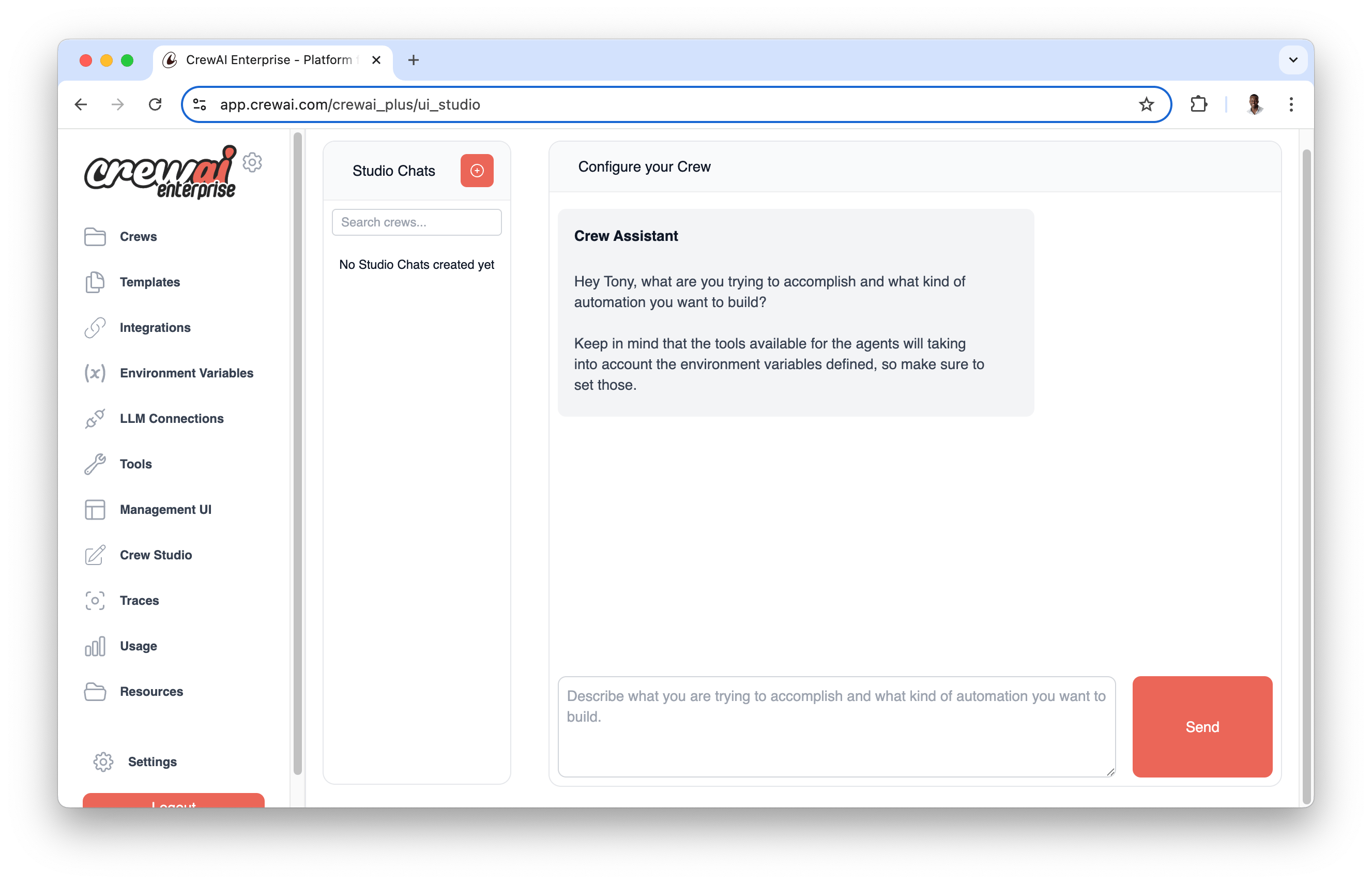
لمستخدمي CrewAI AMP، يمكنك إنشاء نفس الطاقم دون كتابة كود:
1. سجّل الدخول إلى حساب CrewAI AMP (أنشئ حساباً مجانياً على [app.crewai.com](https://app.crewai.com))
2. افتح Crew Studio
3. اكتب ما هي الأتمتة التي تحاول بناءها
4. أنشئ مهامك بصرياً واربطها بالتسلسل
5. هيئ مدخلاتك وانقر "تحميل الكود" أو "نشر"
ابدأ حسابك المجاني في CrewAI AMP
يجب أن ترى المخرجات في وحدة التحكم ويجب إنشاء ملف `report.md` في جذر مشروعك مع التقرير النهائي.
إليك مثالاً على شكل التقرير:
```markdown output/report.md theme={null}
# Comprehensive Report on the Rise and Impact of AI Agents in 2025
## 1. Introduction to AI Agents
In 2025, Artificial Intelligence (AI) agents are at the forefront of innovation across various industries. As intelligent systems that can perform tasks typically requiring human cognition, AI agents are paving the way for significant advancements in operational efficiency, decision-making, and overall productivity within sectors like Human Resources (HR) and Finance. This report aims to detail the rise of AI agents, their frameworks, applications, and potential implications on the workforce.
## 2. Benefits of AI Agents
AI agents bring numerous advantages that are transforming traditional work environments. Key benefits include:
- **Task Automation**: AI agents can carry out repetitive tasks such as data entry, scheduling, and payroll processing without human intervention, greatly reducing the time and resources spent on these activities.
- **Improved Efficiency**: By quickly processing large datasets and performing analyses that would take humans significantly longer, AI agents enhance operational efficiency. This allows teams to focus on strategic tasks that require higher-level thinking.
- **Enhanced Decision-Making**: AI agents can analyze trends and patterns in data, provide insights, and even suggest actions, helping stakeholders make informed decisions based on factual data rather than intuition alone.
## 3. Popular AI Agent Frameworks
Several frameworks have emerged to facilitate the development of AI agents, each with its own unique features and capabilities. Some of the most popular frameworks include:
- **Autogen**: A framework designed to streamline the development of AI agents through automation of code generation.
- **Semantic Kernel**: Focuses on natural language processing and understanding, enabling agents to comprehend user intentions better.
- **Promptflow**: Provides tools for developers to create conversational agents that can navigate complex interactions seamlessly.
- **Langchain**: Specializes in leveraging various APIs to ensure agents can access and utilize external data effectively.
- **CrewAI**: Aimed at collaborative environments, CrewAI strengthens teamwork by facilitating communication through AI-driven insights.
- **MemGPT**: Combines memory-optimized architectures with generative capabilities, allowing for more personalized interactions with users.
These frameworks empower developers to build versatile and intelligent agents that can engage users, perform advanced analytics, and execute various tasks aligned with organizational goals.
## 4. AI Agents in Human Resources
AI agents are revolutionizing HR practices by automating and optimizing key functions:
- **Recruiting**: AI agents can screen resumes, schedule interviews, and even conduct initial assessments, thus accelerating the hiring process while minimizing biases.
- **Succession Planning**: AI systems analyze employee performance data and potential, helping organizations identify future leaders and plan appropriate training.
- **Employee Engagement**: Chatbots powered by AI can facilitate feedback loops between employees and management, promoting an open culture and addressing concerns promptly.
As AI continues to evolve, HR departments leveraging these agents can realize substantial improvements in both efficiency and employee satisfaction.
## 5. AI Agents in Finance
The finance sector is seeing extensive integration of AI agents that enhance financial practices:
- **Expense Tracking**: Automated systems manage and monitor expenses, flagging anomalies and offering recommendations based on spending patterns.
- **Risk Assessment**: AI models assess credit risk and uncover potential fraud by analyzing transaction data and behavioral patterns.
- **Investment Decisions**: AI agents provide stock predictions and analytics based on historical data and current market conditions, empowering investors with informative insights.
The incorporation of AI agents into finance is fostering a more responsive and risk-aware financial landscape.
## 6. Market Trends and Investments
The growth of AI agents has attracted significant investment, especially amidst the rising popularity of chatbots and generative AI technologies. Companies and entrepreneurs are eager to explore the potential of these systems, recognizing their ability to streamline operations and improve customer engagement.
Conversely, corporations like Microsoft are taking strides to integrate AI agents into their product offerings, with enhancements to their Copilot 365 applications. This strategic move emphasizes the importance of AI literacy in the modern workplace and indicates the stabilizing of AI agents as essential business tools.
## 7. Future Predictions and Implications
Experts predict that AI agents will transform essential aspects of work life. As we look toward the future, several anticipated changes include:
- Enhanced integration of AI agents across all business functions, creating interconnected systems that leverage data from various departmental silos for comprehensive decision-making.
- Continued advancement of AI technologies, resulting in smarter, more adaptable agents capable of learning and evolving from user interactions.
- Increased regulatory scrutiny to ensure ethical use, especially concerning data privacy and employee surveillance as AI agents become more prevalent.
To stay competitive and harness the full potential of AI agents, organizations must remain vigilant about latest developments in AI technology and consider continuous learning and adaptation in their strategic planning.
## 8. Conclusion
The emergence of AI agents is undeniably reshaping the workplace landscape in 5. With their ability to automate tasks, enhance efficiency, and improve decision-making, AI agents are critical in driving operational success. Organizations must embrace and adapt to AI developments to thrive in an increasingly digital business environment.
```
تهانينا!
لقد أعددت مشروع طاقمك بنجاح وأنت جاهز للبدء في بناء سير العمل الوكيلي الخاص بك!
### ملاحظة حول اتساق التسمية
يجب أن تتطابق الأسماء التي تستخدمها في ملفات YAML (`agents.yaml` و`tasks.yaml`) مع أسماء الدوال في كود Python الخاص بك.
على سبيل المثال، يمكنك الإشارة إلى الوكيل لمهام محددة من ملف `tasks.yaml`.
يتيح اتساق التسمية هذا لـ CrewAI ربط تكويناتك بكودك تلقائياً؛ وإلا فلن تتعرف مهمتك على المرجع بشكل صحيح.
#### أمثلة على المراجع
لاحظ كيف نستخدم نفس الاسم للوكيل في ملف `agents.yaml`
(`email_summarizer`) واسم الدالة في ملف `crew.py`
(`email_summarizer`).
```yaml agents.yaml theme={null}
email_summarizer:
role: >
Email Summarizer
goal: >
Summarize emails into a concise and clear summary
backstory: >
You will create a 5 bullet point summary of the report
llm: provider/model-id # Add your choice of model here
```
لاحظ كيف نستخدم نفس الاسم للمهمة في ملف `tasks.yaml`
(`email_summarizer_task`) واسم الدالة في ملف `crew.py`
(`email_summarizer_task`).
```yaml tasks.yaml theme={null}
email_summarizer_task:
description: >
Summarize the email into a 5 bullet point summary
expected_output: >
A 5 bullet point summary of the email
agent: email_summarizer
context:
- reporting_task
- research_task
```
## نشر طاقمك
أسهل طريقة لنشر طاقمك في الإنتاج هي من خلال [CrewAI AMP](http://app.crewai.com).
شاهد هذا الفيديو التعليمي لعرض خطوة بخطوة لنشر طاقمك على [CrewAI AMP](http://app.crewai.com) باستخدام CLI.
ابدأ مع CrewAI AMP وانشر طاقمك في بيئة إنتاج
بنقرات قليلة فقط.
انضم إلى مجتمعنا مفتوح المصدر لمناقشة الأفكار ومشاركة مشاريعك والتواصل
مع مطورين آخرين لـ CrewAI.